> ## Documentation Index
> Fetch the complete documentation index at: https://docs.fastapps.org/llms.txt
> Use this file to discover all available pages before exploring further.
# Templates
> Create widgets quickly using pre-built templates
## Create widget from a template
FastApps provides several pre-built templates to help you get started quickly. Instead of creating a widget from scratch, you can use a template that includes common patterns and best practices.
## Available Templates
### List Template
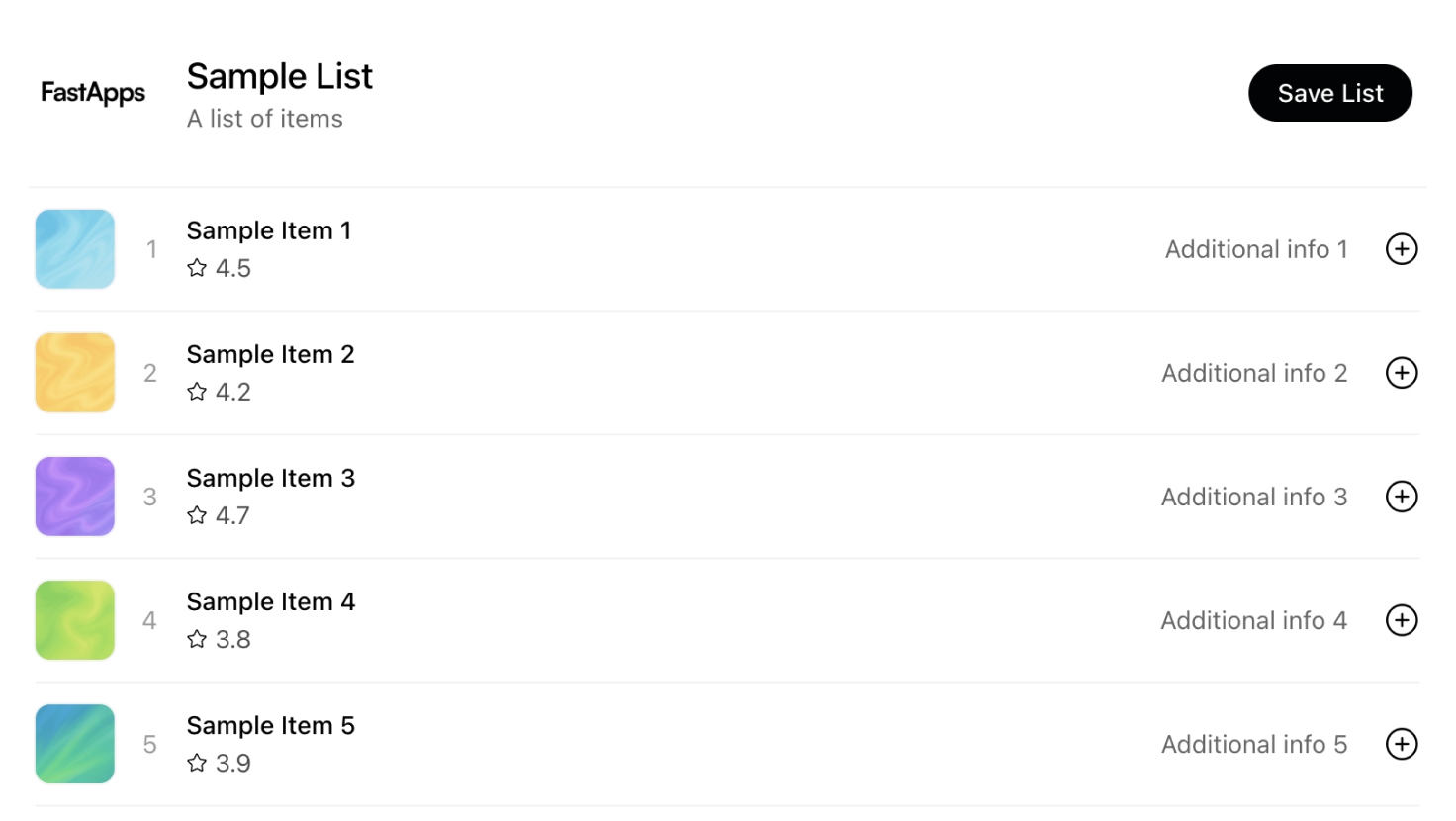
Create a vertical list widget with items:
```bash theme={null}
uv run fastapps create my-list --template list
```
This template creates a widget that displays items in a vertical list format, perfect for displaying collections of data like tasks, products, or any list-based content.
### Carousel Template
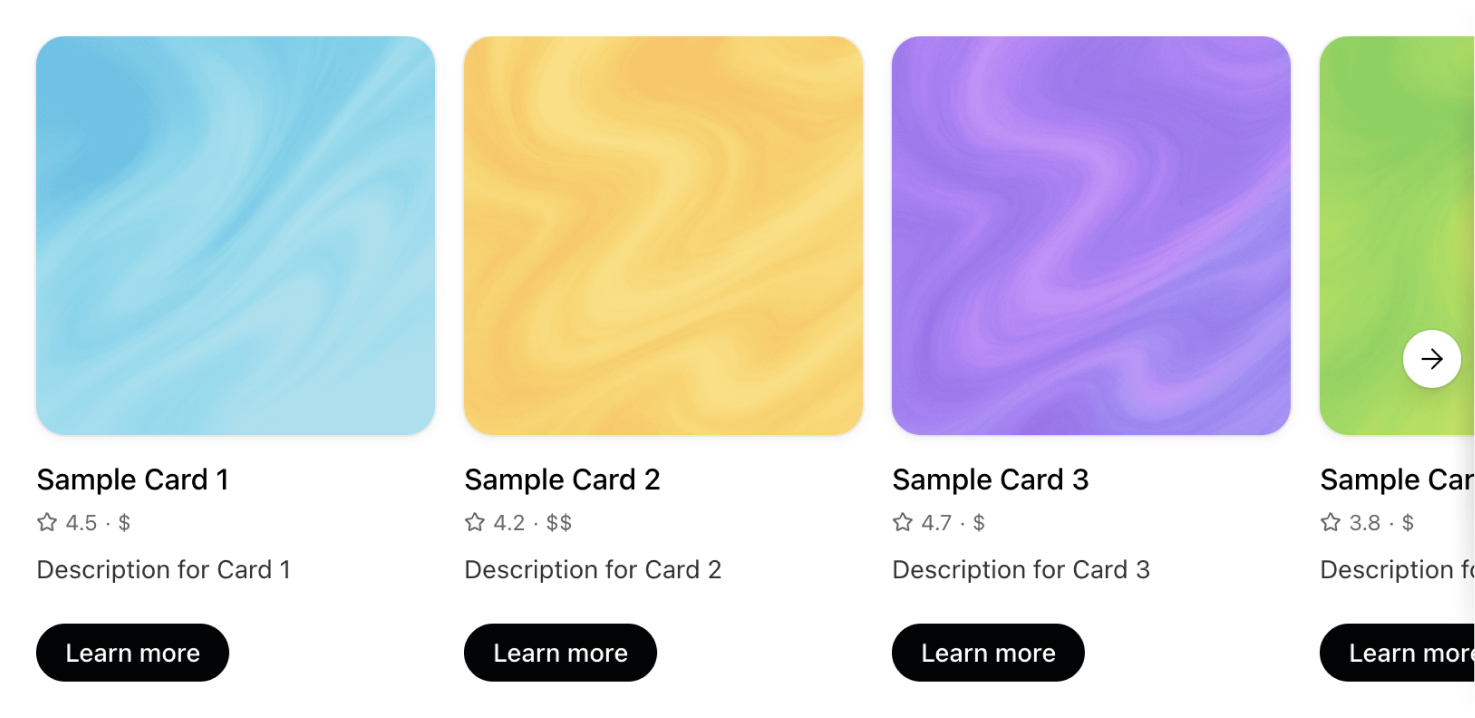
Create a horizontal scrolling cards widget:
```bash theme={null}
uv run fastapps create my-carousel --template carousel
```
This template creates a widget with horizontal scrolling cards, ideal for showcasing multiple items in a compact, interactive format.
### Albums Template
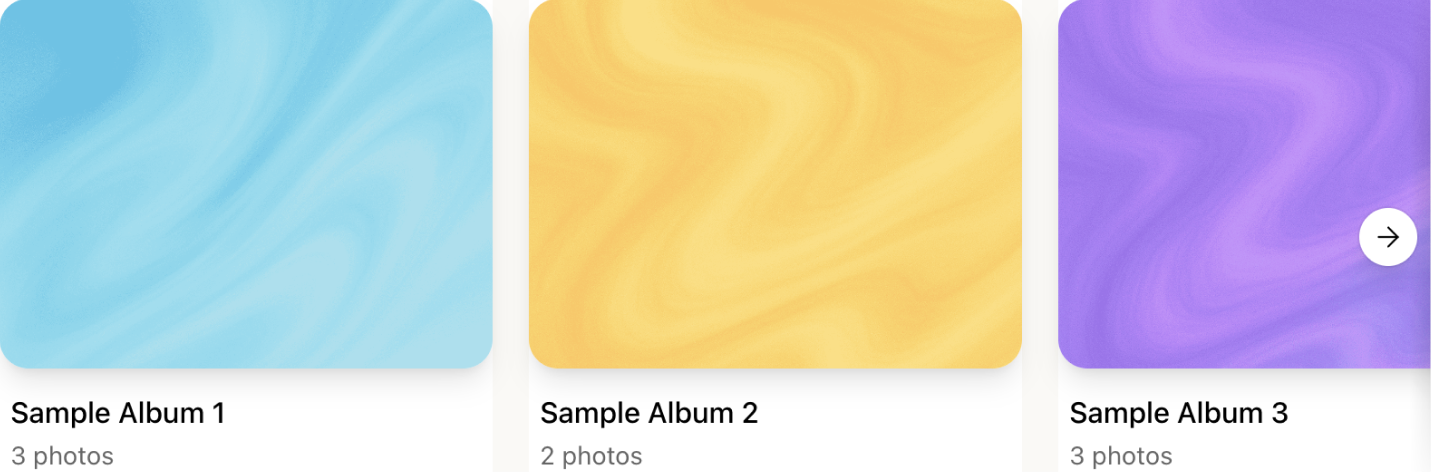
Create a photo gallery viewer:
```bash theme={null}
uv run fastapps create my-albums --template albums
```
This template creates a photo gallery widget that allows users to browse through images in an organized, visually appealing way.
## What Gets Created
When you use a template, FastApps generates:
* `widgets//index.jsx` - Pre-configured React component based on the template
* `server/tools/_tool.py` - Python backend tool with example data structure
## Customizing Templates
After creating a widget from a template, you can:
1. Modify the React component in `widgets//index.jsx` to match your design needs
2. Update the Python tool in `server/tools/_tool.py` to connect to your data source
3. Add additional features and interactions as needed
## Next Steps
Learn the fundamentals of widgets
Master the hook system